Your cart
Your cart is empty
Continue shopping
Drawer menu
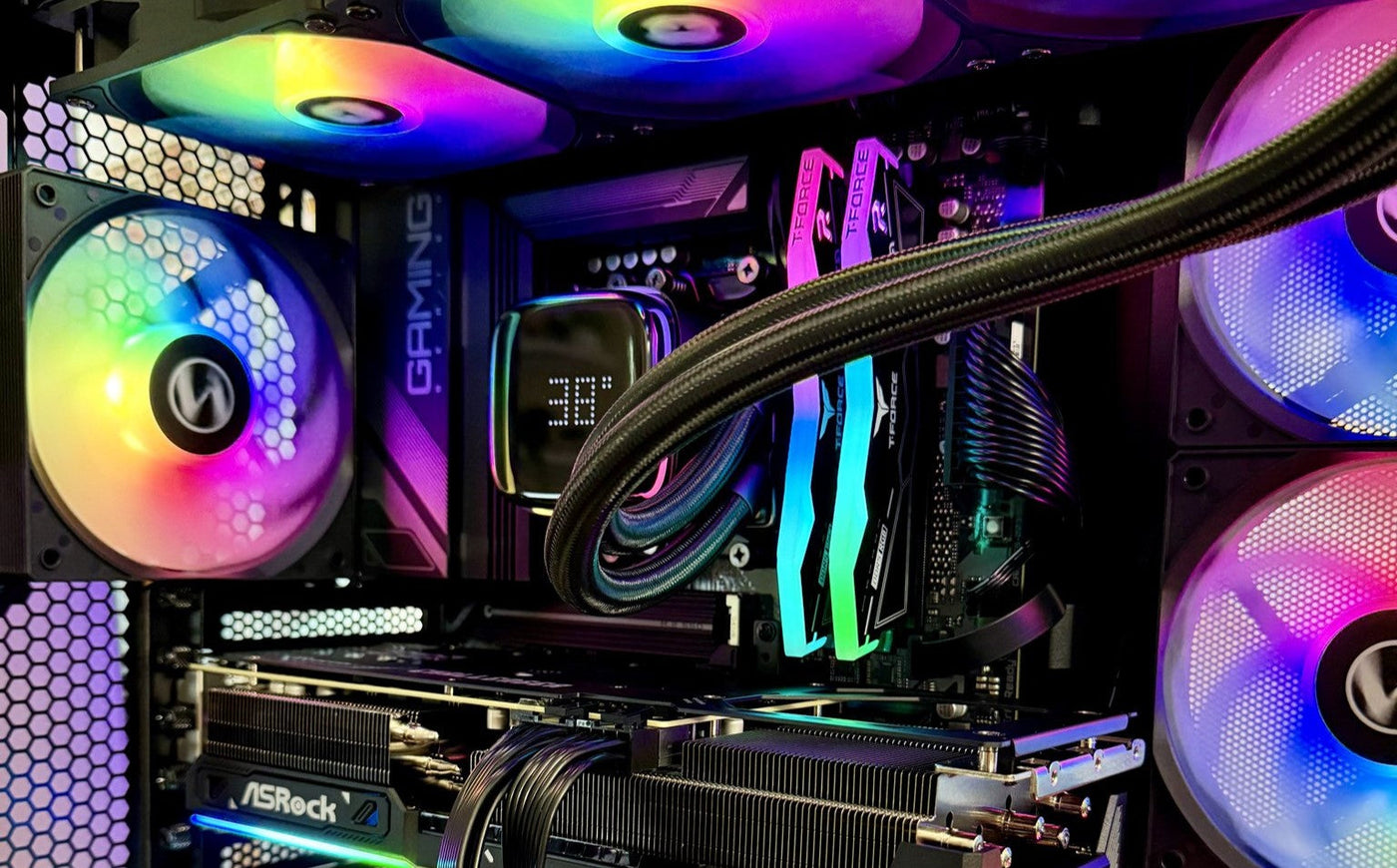
When people think about a gaming PC, they usually imagine the moment a game launches. The loading screen fades away, the world appears, and the system begins doing what it was built to do.
But the life of a gaming PC does not start when you press play. In many ways, that moment is just the surface of a much larger story.
Behind the quiet glow of the RGB lights and the soft hum of cooling fans, a modern gaming PC is constantly working. Even when the game is closed and the monitor goes dark, there is a surprising amount of activity happening inside the system.
It may not look dramatic from the outside, but under the glass panel, your PC is quietly managing an entire ecosystem.
A gaming PC does far more than render games. It manages temperatures, memory allocation, background services, updates, drivers, and dozens of small processes that keep the system ready for the next time you launch a game.
One of the most constant parts of a PC’s life is the endless rhythm of updates. Operating systems, graphics drivers, game launchers, background services, security patches, and software improvements all move in cycles.
It often feels invisible until the moment everything decides to update at once.
Suddenly, the system is balancing download queues, installation processes, driver changes, and background optimization. It is not the glamorous side of PC gaming, but it is part of what keeps modern systems stable and capable of running increasingly complex games.
In many ways, this quiet maintenance is what allows a gaming PC to stay powerful for years.
Gaming rarely happens in isolation anymore. A typical PC session often includes a surprising collection of tasks running at the same time.
A browser with dozens of tabs open. Music or streaming services running in the background. Voice chat applications. Game launchers monitoring downloads or updates.
To the player, it all feels simple. You click a few icons and everything works.
Inside the system, however, the CPU and memory controller are carefully balancing resources across many processes at once. Threads move between cores, memory is allocated and released, and background services quietly keep everything stable.
This constant orchestration is one of the hidden reasons modern gaming PCs feel so responsive.

Behind every glowing RGB setup is a complex system quietly managing thousands of operations every second.
Cooling systems are another silent guardian of the gaming PC world.
Modern systems constantly monitor temperatures across the CPU, GPU, storage, and motherboard. Sensors report data many times per second, allowing fan curves and cooling solutions to react instantly to changes in workload.
When a demanding game launches, heat rises quickly. The cooling system responds before the player even notices.
Fans accelerate. Liquid cooling loops move heat away from critical components. Airflow patterns inside the case guide warm air out and fresh air in.
It is a constant balancing act designed to keep performance stable and hardware safe.
A well-built gaming PC is not just powerful on paper. Good airflow, cooling design, and component layout allow that power to stay consistent during long gaming sessions.
Memory is another part of the system that rarely receives attention, yet it plays a critical role in keeping everything responsive.
Games load textures, models, audio files, physics data, and countless other elements into RAM. At the same time, background applications still need space to operate.
The operating system constantly adjusts memory allocation, moving data between RAM and storage when necessary. The goal is always the same: keep the experience smooth without forcing the player to think about what is happening underneath.
When it works well, it feels invisible. That is exactly the point.
Eventually, the system reaches a calm moment. Updates are finished, background tasks settle down, and the fans return to a soft idle.
From the outside, the PC looks almost peaceful.
But the system is never truly idle. It is simply waiting.
Waiting for the next game launch. Waiting for the next update. Waiting for the next moment when the hardware will be pushed to its limits again.
A gaming PC is more than a machine that runs games. It is a complex system quietly coordinating thousands of processes so that the experience on screen feels effortless. The better the system is built, the more invisible that work becomes, leaving only what players actually care about: smooth performance and immersive worlds.
When everything is working as it should, the secret life of a gaming PC remains mostly hidden. And that is exactly how it is meant to be.